City Logo Master


Screen: Landing Page
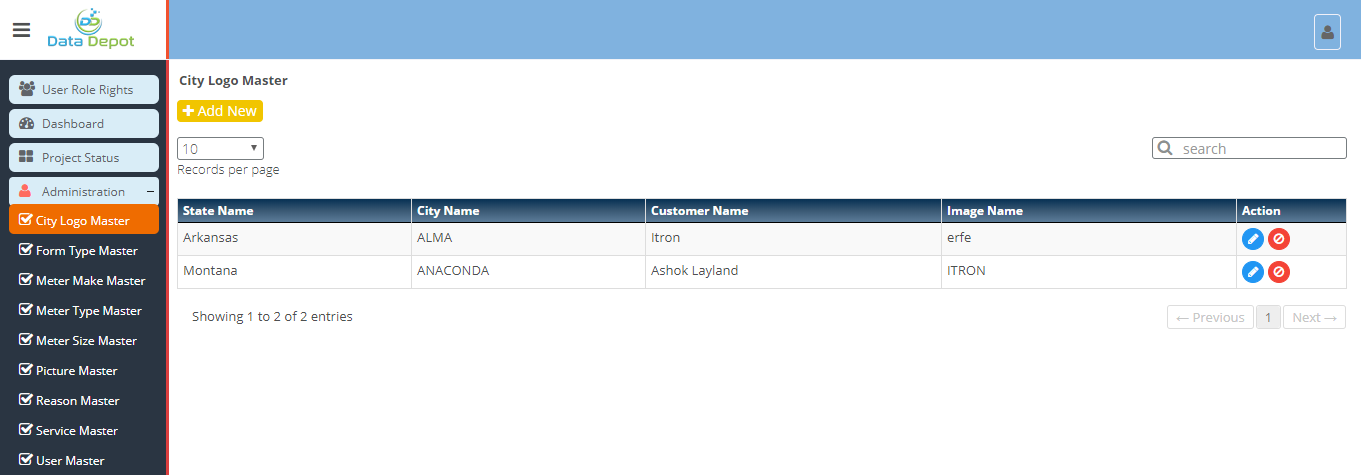
Steps
 Menu to open City Logo Master Landing Page.
 button to add new city logo.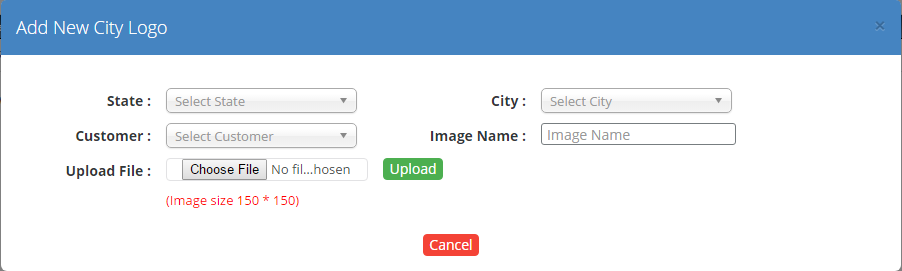
 button
 button to upload the image.
 button to close the form.
 button to edit corresponding city logo.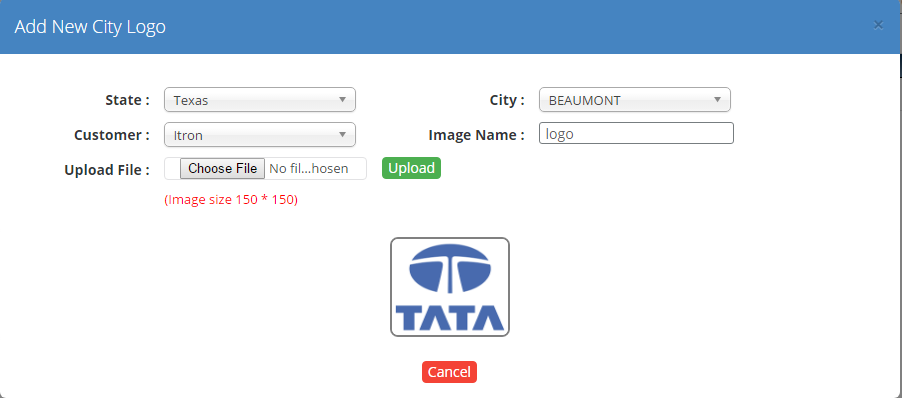
button to upload the new image button to upload the image. button to close the form.Created with the Personal Edition of HelpNDoc: Free iPhone documentation generator